
Web UI
mddir includes a built-in web interface for browsing, reading, and searching your saved pages.
Starting the Server
There are two ways to launch the web UI:
# Start server and open browser
mddir open

# Start server only (no browser)
mddir serve
Both start a local server at http://localhost:7768 (configurable via the port setting).
Home Page
The home page lists all your collections with entry counts. A search bar at the top lets you search across everything.
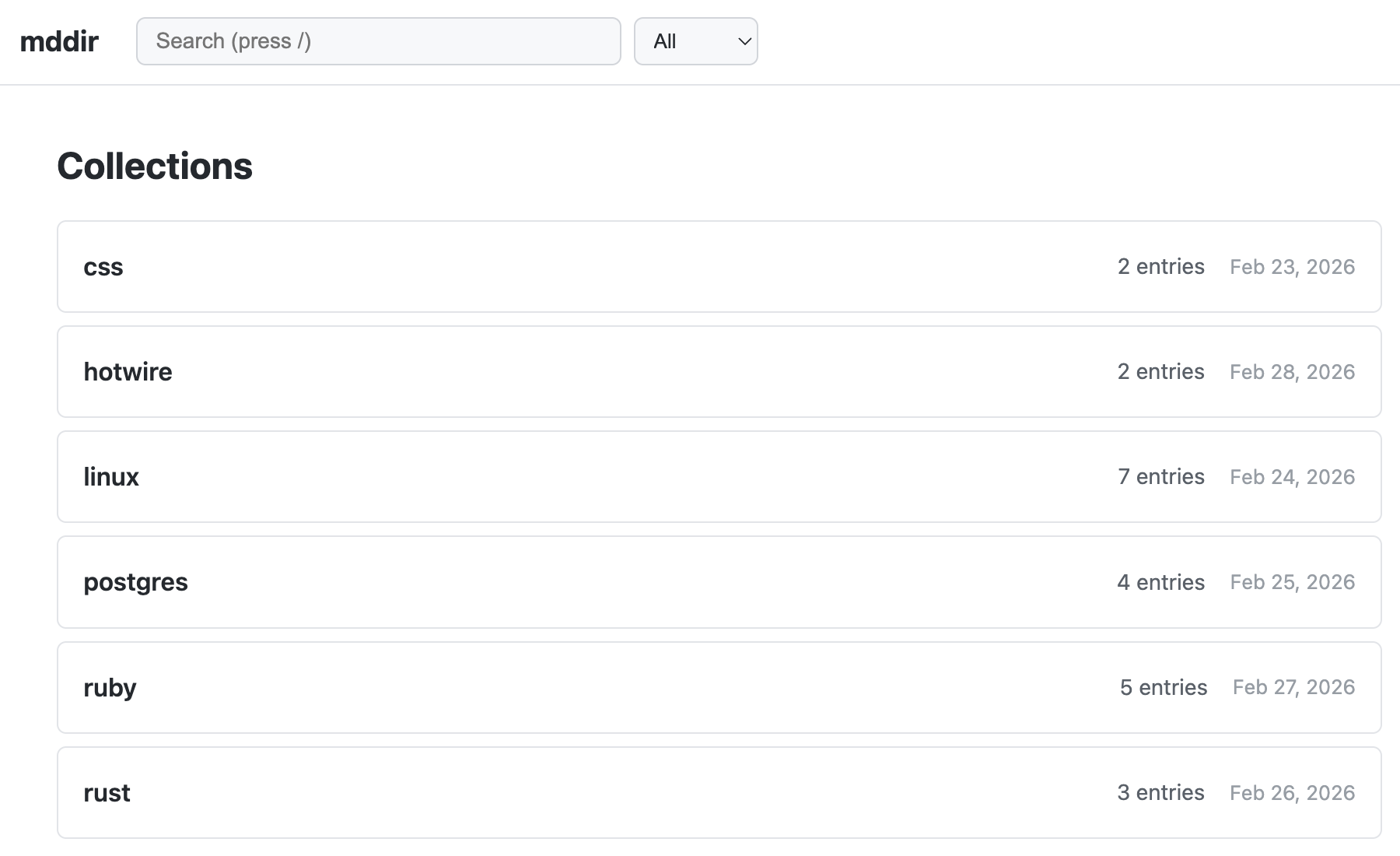
Each collection links to its detail page.
Collection Page
Shows all entries in a collection, ordered newest first. Each entry displays:
- Title (linked to the reader page)
- Description
- Source domain
- Date added
Delete buttons are available for individual entries and for the entire collection (with confirmation prompts).
Reader Page
Renders a saved markdown file as clean, readable HTML.
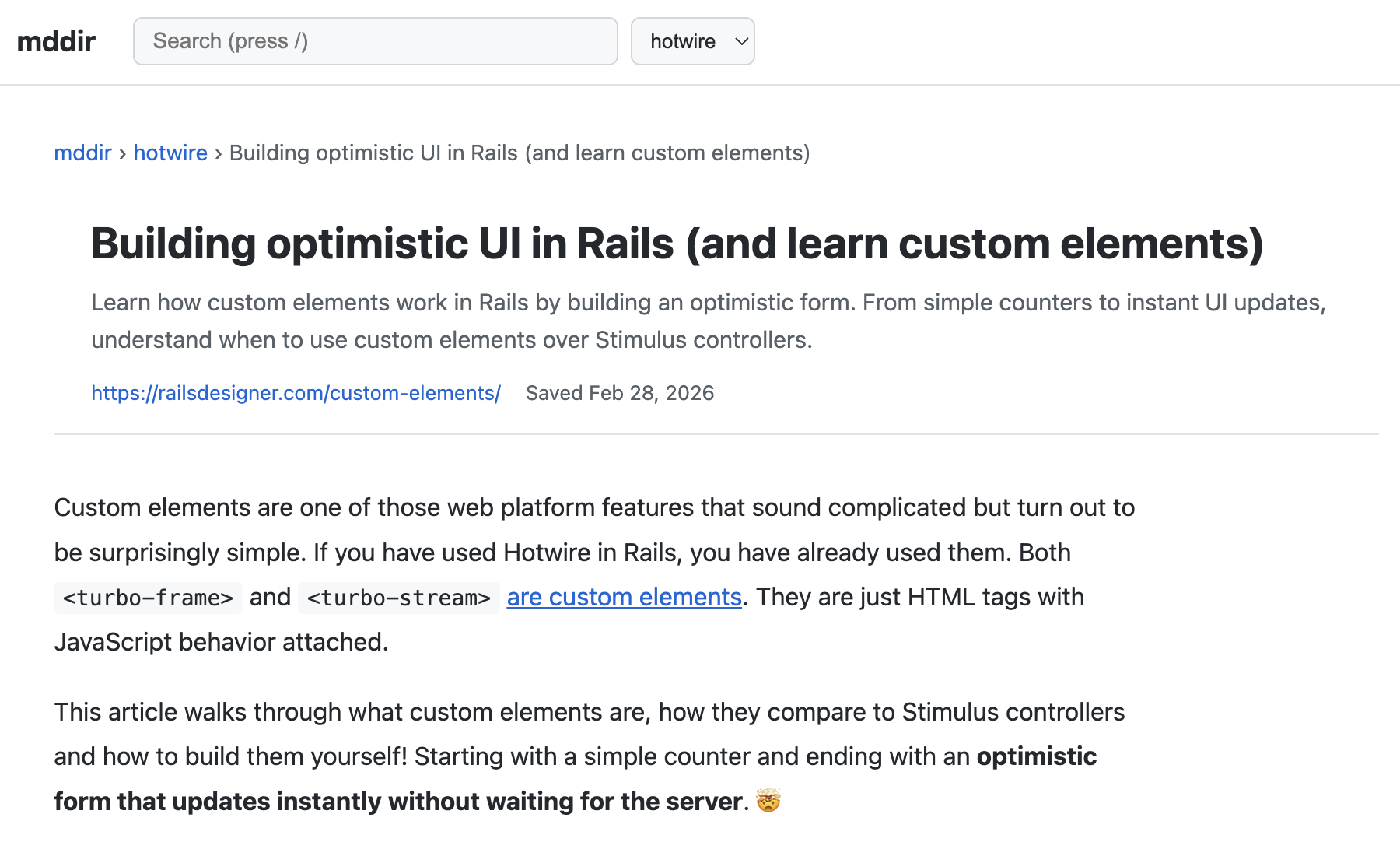
The reader shows:
- Breadcrumb navigation:
mddir > collection > title - Source URL (clickable link to the original page)
- Description and date saved
- The full markdown content rendered as HTML
Search
Search results show matching entries with highlighted snippets. You can search globally or filter by collection.
Keyboard Shortcuts
| Key | Action |
|---|---|
/ | Focus the search bar |